PLANNING
RESOURCES
MY PLANNER & THE CTW APP
STEP 1: CREATE & MANAGE YOUR PLANNER
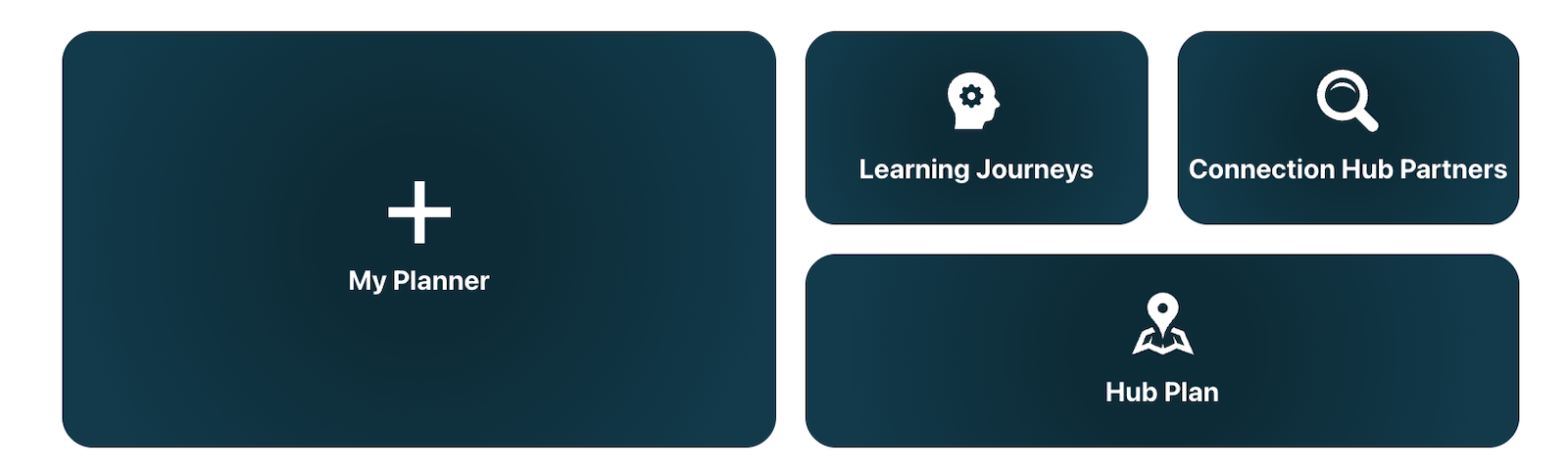
Create your My Planner to unlock the full potential of CTW! With a My Planner account, you can:
- Make a list of Connection Hub partners to collaborate with.
- Explore the Learning Journey sessions and other opportunities for Peer-to-Peer idea exchange.
- Build your personalized schedule and plan your day with the interactive hub plan.
Credentials do not carry over from year to year.
STEP 2: DOWNLOAD THE CTW APP
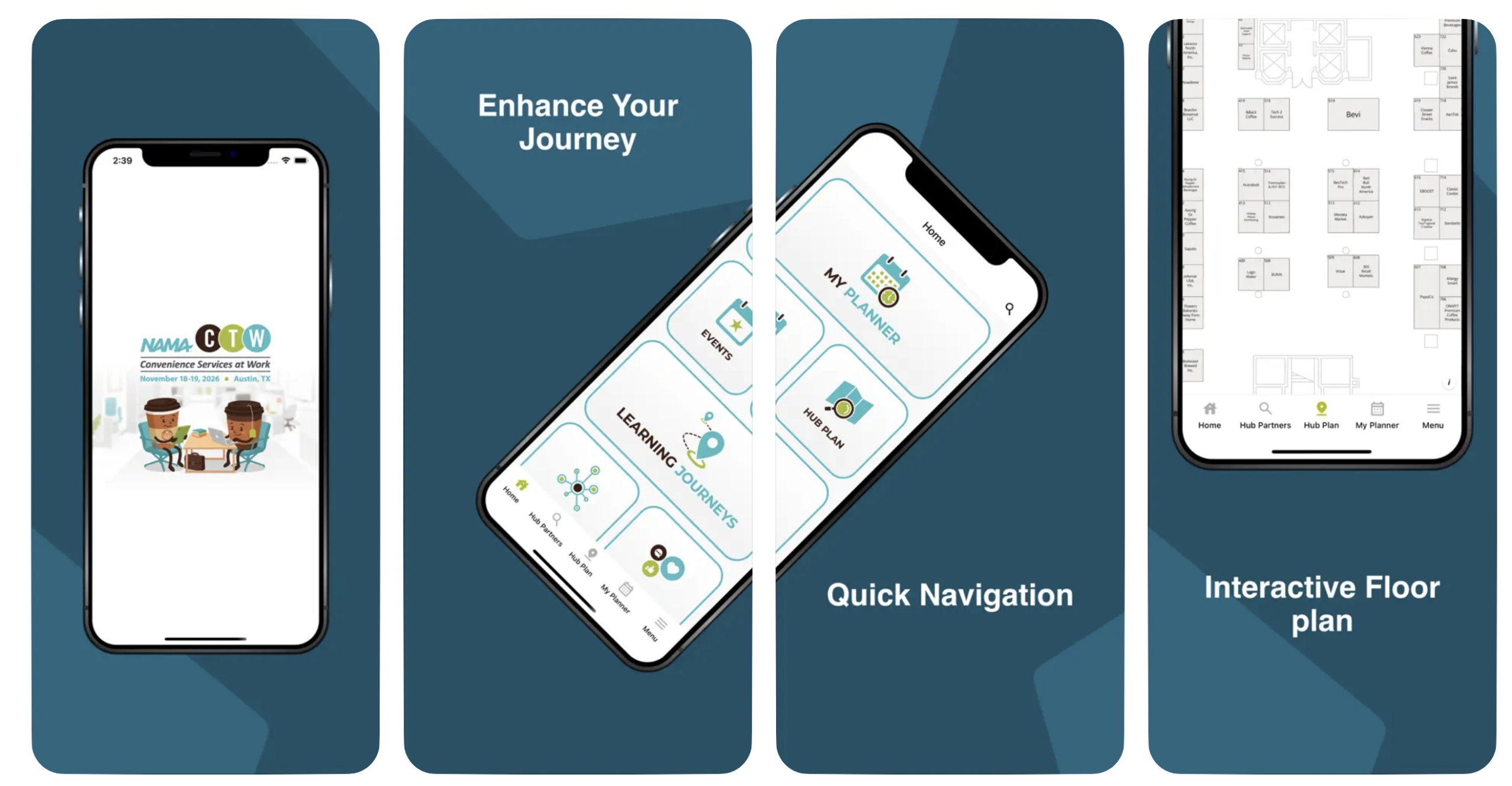
Simply sign in with the same credentials, and your saved sessions and partners will automatically sync to the app.
Access easy-to-use schedules and real-time updates, including Connection Hub partners, announcements, speakers and schedules. Use your My Planner account to sign in to the CTW app to sync your schedule.
Download the CTW app to:
- See the customized schedule you created in My Planner.
- View and save must-see Connection Hub partners.
- View and save Learning Journey sessions.
SCAN TO DOWNLOAD